Change the sport on a FIT file
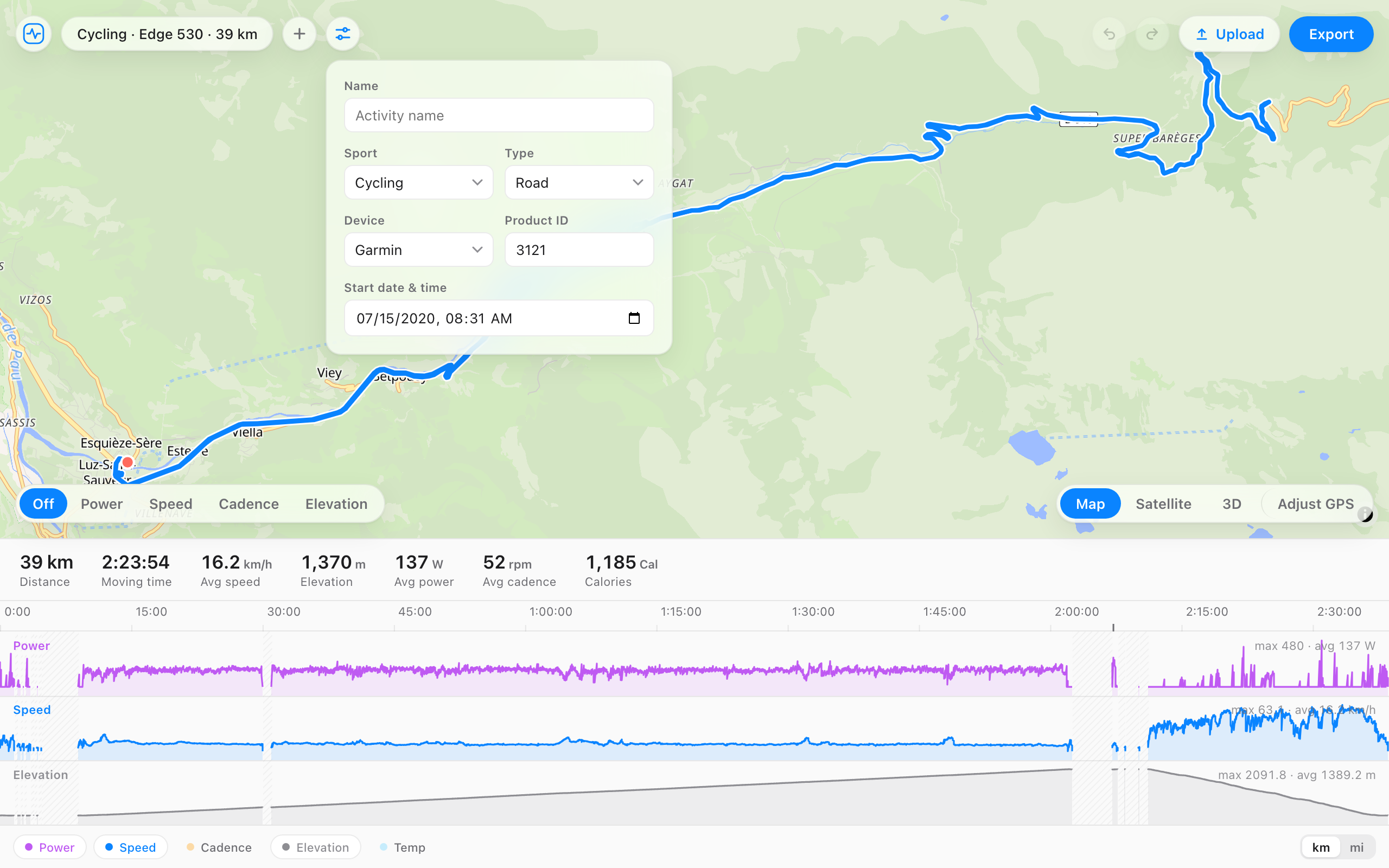
Open a .fit file and change the sport and the sub-type: running, cycling, swimming, hiking, and more, with road, trail, gravel, treadmill, or pool underneath. The data stays exactly as recorded, so you get a valid file that Strava and Garmin Connect file under the right activity type.
A run that was started on the bike profile. Pick the right sport.
Cycling · 10.2 km · 52:10
The distance, time, and heart rate stay exactly as recorded.
When it helps
- You started the watch on the bike profile and went for a run.
- A trail run or gravel ride shows up as plain road, or the other way round.
- An indoor session synced as an outdoor one, or a treadmill run as a walk.
- A pool swim was recorded as open water.
- An app exported the file as a generic workout with no sport at all.
How it works
- Open your file, or drag it onto the page.
- Open the details panel next to the file name.
- Pick the sport, and a sub-type if you want one.
- Export the file and upload it.
Questions
- Can't I just change the activity type on Strava?
- Strava lets you relabel an activity, but the file underneath still says the original sport, so pace and cadence can show as if it were a ride, and Garmin Connect keeps its own label. Changing the sport in the file fixes it everywhere you upload.
- Which sports can I pick?
- Cycling, running, swimming, walking, hiking, training, gym and cardio, rowing, alpine and Nordic skiing, snowboarding, inline skating, tennis, and other. Sub-types include road, mountain, gravel, trail, track, indoor cycling, virtual, treadmill, pool swim, open water, and indoor rowing.
- Does the data change when I change the sport?
- No. Heart rate, GPS, power, cadence, laps, and totals stay exactly as recorded. Only the sport and sub-type fields change, in the session and sport messages of the file.
- Will Garmin Connect count it toward the right totals?
- Yes. Once you delete the original upload and upload the edited file, Garmin Connect and Strava read the new sport and file it with your other runs, rides, or swims.
- Is it free, and does the file get uploaded?
- Free, no account, and the file never leaves your browser.