Convert FIT to GPX
Open a .fit file and save it as a .gpx: the GPS track with elevation and time for every point, plus heart rate, cadence, temperature, and power where the file has them. Trim or fix the activity first if you want, then export.
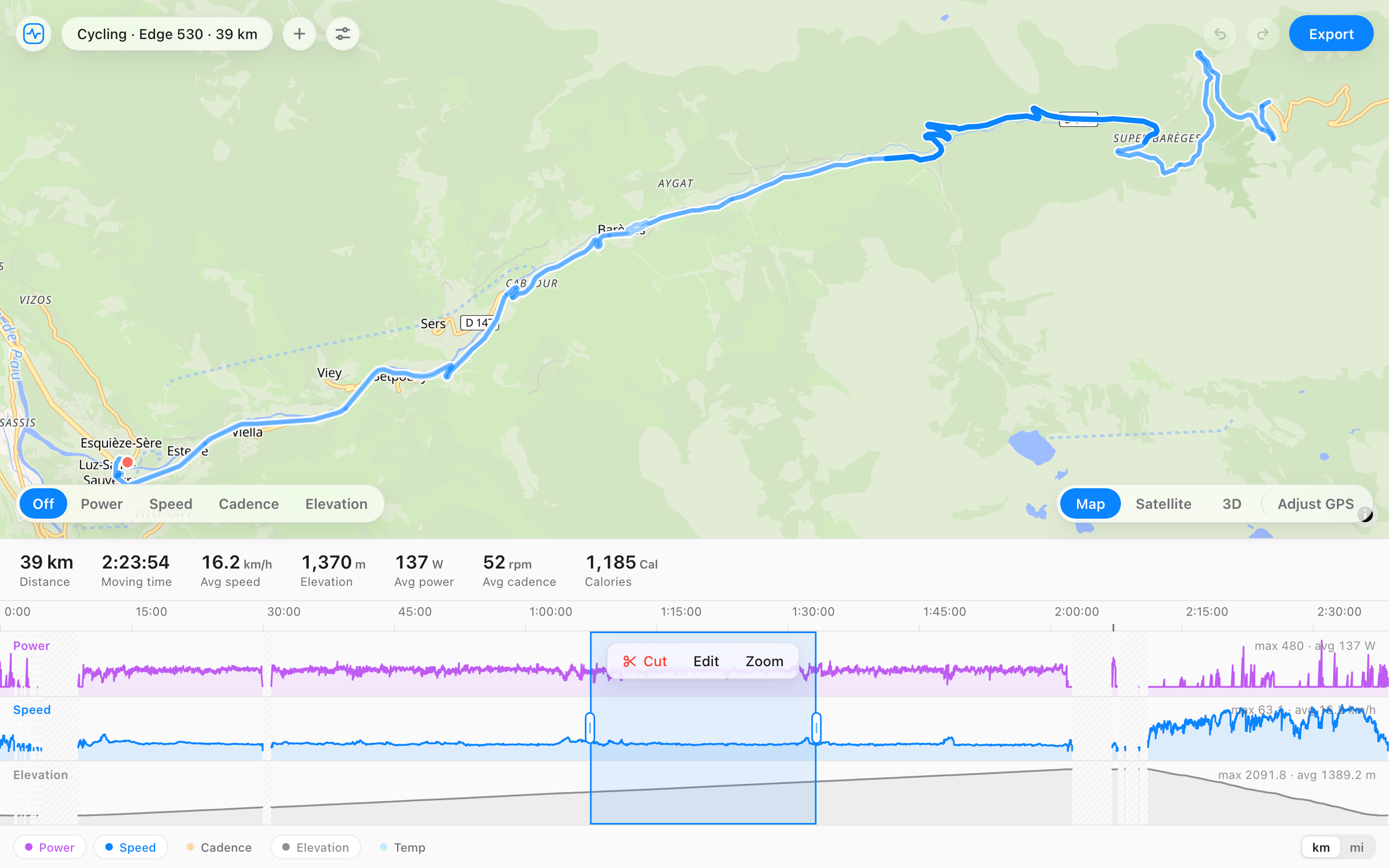
How to convert
- Open the converter and choose your .fit file, or drag it onto the page.
- Trim or fix anything you want on the timeline first. This step is optional.
- Press Export GPX to download the .gpx file.
What carries over
| From the FIT file | In the GPX |
|---|---|
| Position, elevation, time | Kept for every record with a GPS position. |
| Heart rate, cadence, temperature, power | Written as GPX extensions when the FIT file has them. Apps differ in which extensions they read. |
| Sport | GPX has only a short type tag, nothing like FIT's sport and sub-type. |
| Laps and sessions | Dropped. GPX has no place for them. |
| Device, running and cycling dynamics, training effect | Dropped. GPX has no fields for them. |
An indoor ride or treadmill run has no GPS positions, so the GPX has no track to draw. Keep those as FIT.
Why convert FIT to GPX
- An app or site you want to use imports GPX tracks and not FIT.
- You want to share the route with someone, or follow it again later in a route planner.
- You're opening the track in mapping or GIS software, or Google Earth.
- You want a plain text copy of the track that any tool can read.
Your file stays on your computer
The conversion runs in your browser. The file, its route, and its heart rate are never uploaded, so there's nothing to delete afterwards. Many online converters send the file to their server to do the same job.
Questions
- What do I lose going from FIT to GPX?
- Laps, the session summary, the device, and anything beyond the basic sensor streams, such as running dynamics or training effect. The track, elevation, time, and the common sensor data come across. Keep the original FIT file too.
- Can I trim or fix the activity before converting?
- Yes. The file opens in the full editor, so you can cut a section, fix a GPS jump, or cap a heart rate spike, then press Export GPX.
- Where do I get the FIT file from a Garmin?
- Copy it off the device, where activities sit in the Garmin/Activity folder, or open the activity on Garmin Connect and use Export Original. That download is a zip, and the zip opens here as it is.
- Does it work for indoor activities?
- It converts, but a GPX is a GPS track, and an indoor ride or treadmill run has no positions to put in it. Most apps won't do much with it. Keep indoor activities as FIT.
- Is it free, and does the file get uploaded?
- Free, no account, and the file never leaves your browser.