Combine two devices into one activity
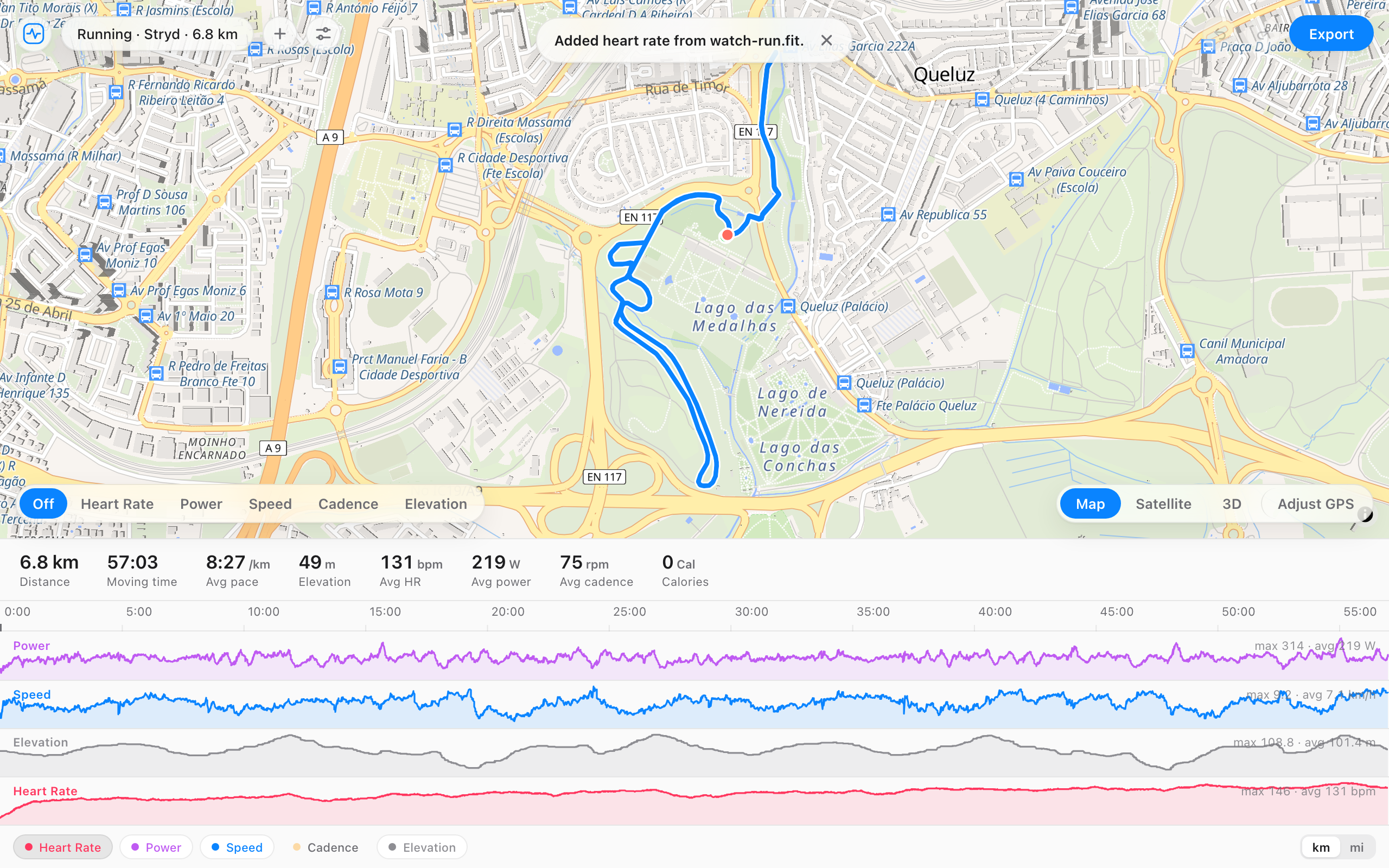
Open the file you want to keep, then add the other recording of the same session. Heart rate, power, cadence, GPS, elevation, temperature, or speed that the first file is missing is filled in from the second, matched by time. Nothing the first file already recorded is changed.
When it helps
- Your watch recorded heart rate and your bike computer recorded power and speed, and neither file has both.
- Zwift or a trainer app recorded power, and your watch recorded heart rate because the strap wasn't paired to the app.
- An indoor workout on a watch with no GPS, and a second app that has the route.
- You have two copies of the same session and want one complete record instead.
How it works
- Open the file you want to keep. The activity keeps its sport, device, laps, and start and end times.
- Press the plus button and add the other recording of the same session.
- Read the notice: it lists what was added, like heart rate or power.
- Export one file. Delete both originals on Strava or Garmin Connect, then upload it.
Questions
- Which file should I open first?
- The one you want the activity filed under. The first file keeps its sport, device, laps, and start and end times. The second file only fills in data the first one is missing.
- Does it overwrite data the first file already has?
- No. A kind of data is only filled in when the first file has almost none of it. If both devices recorded heart rate, the first file's heart rate stays.
- What if one device started earlier or stopped later?
- Data is added only where the two recordings overlap, and the activity keeps the first file's start and end. Open the recording that ran for the whole session first.
- It says the second file adds nothing new. Why?
- Both files already have the same kinds of data, or the second is a copy of the first. If you meant to join two recordings made one after the other, they need to be at different times: see Merge FIT files.
- How is this different from merging?
- Merging joins recordings made one after the other, like a ride split in two when a watch died. Combining layers two recordings of the same time. The editor picks for you: files that overlap in time are combined, and files that don't are joined.
- Does the file get uploaded anywhere?
- No. Both files are read and combined in your browser.
- Is it free?
- Yes, and there's no account.