Change the device on a FIT file
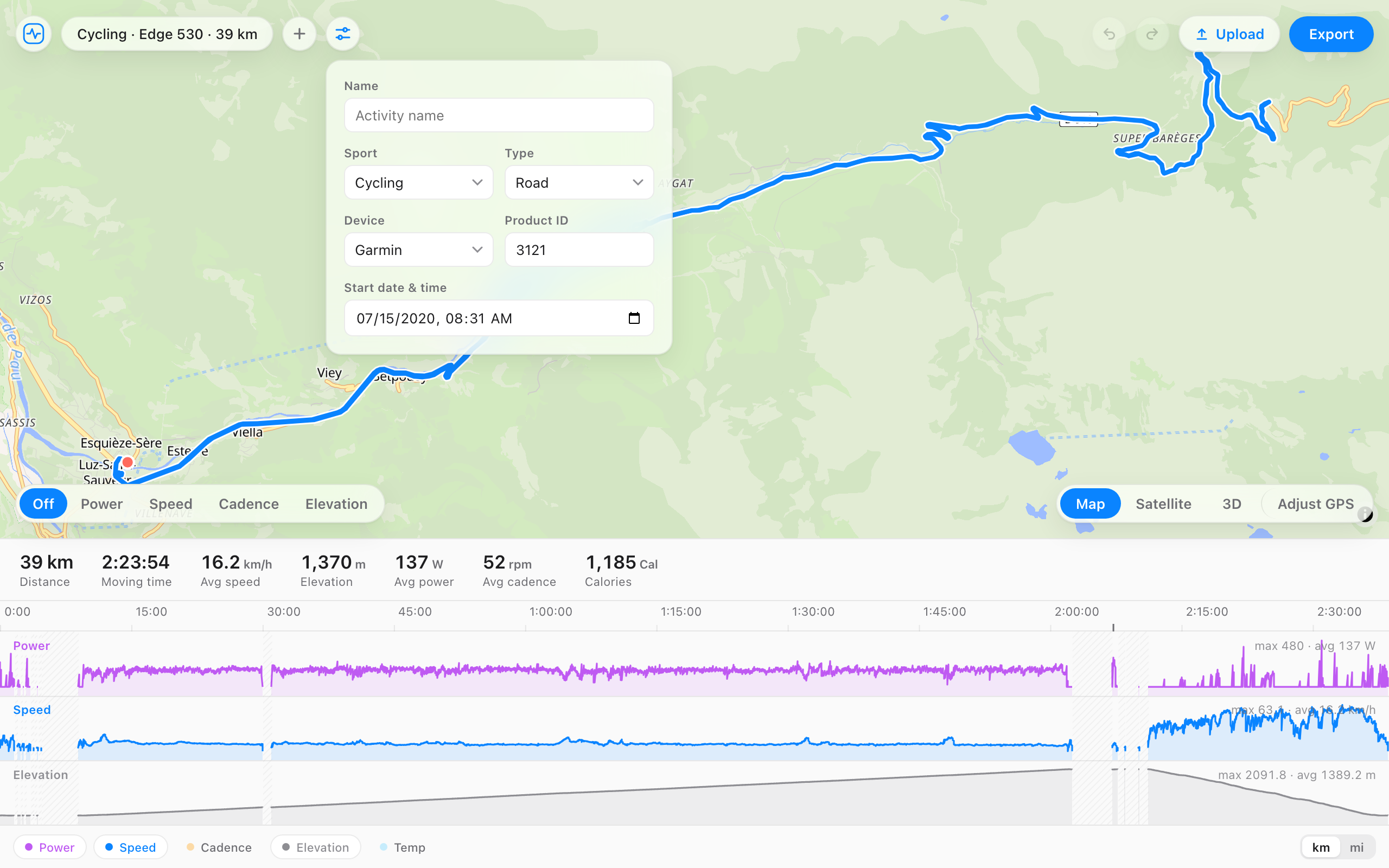
Open a .fit file and relabel the recording device: the manufacturer and the model. Useful when an activity was recorded on a borrowed unit, or you want your history filed under one device. Everything else in the file stays exactly as recorded.
A ride recorded on a Wahoo, relabeled in one click. Pick a device.
Cycling · Wahoo ELEMNT BOLT · 39 km
Everything else in the file stays exactly as recorded.
When it helps
- You ran or rode with a borrowed watch and want the activity filed under yours.
- An app exported the file with a generic or wrong device name.
- You're consolidating history onto one platform and want it consistent.
- A duplicate or retired device keeps showing up on your activities.
How it works
- Open your file, or drag it onto the page.
- Open the details panel next to the file name.
- Pick the manufacturer and the model.
- Export the file and upload it.
Questions
- Which devices can I choose?
- Any manufacturer and product in the official FIT profile: Garmin, Wahoo, COROS, Suunto, Polar, Hammerhead, and more.
- Will Garmin Connect and Strava accept the relabeled file?
- Yes. FIT File Editor exports a valid .fit file and platforms read the new device on upload. One honest caveat: a few Garmin badges also check the unit's serial number, which stays as recorded.
- Does anything else in the file change?
- No. Heart rate, GPS, power, laps, and totals stay exactly as recorded. Only the device label changes.
- Is it free, and does the file get uploaded?
- Free, no account, and the file never leaves your browser.